






Ailoop
Illustration: formed concrete surface in raking light, with its formwork joints and tie holes.

FDES configurator for concrete products

Ailoop builds tailor-made FDES configurators for concrete products, precast or cast in place. Your teams generate the FDES (the French EPD format, Fiche de Déclaration Environnementale et Sanitaire) of each element from its real characteristics, including transport to the construction site.

See the families covered

With an LCA expert and a digital expert

Why is a single FDES not enough for your concrete products?

Because every concrete element is different: dimensions, wall-skin composition, strength class, accessories, production plant and construction site change from one order to the next. A single FDES for a whole range does not describe the element actually delivered.

One FDES for the whole range
  • Order ATwin wall 2.80 × 6.20 mC30/37, CEM III/ASite in Rennes
  • Order BInsulated twin wall 3.00 × 4.50 mC25/30, CEM II/ASite in Metz
  • Order CCast-in-place wallC35/45, CEM ISite in Nantes
FDESA single FDESRange average
Doesn't describe the product delivered
One FDES per order, with a configurator
  • Order ATwin wall 2.80 × 6.20 mC30/37, CEM III/ASite in Rennes
  • Order BInsulated twin wall 3.00 × 4.50 mC25/30, CEM II/ASite in Metz
  • Order CCast-in-place wallC35/45, CEM ISite in Nantes
  • FDES A
  • FDES B
  • FDES C
  1. Dimensions and skins specific to each element

    Height, width, overall thickness, thickness of each skin: a twin wall is never quite the same from one construction site to the next.

  2. A mix design that changes with the use

    Concrete type, strength class, cement type, additives and mix ratio directly change the impacts in the FDES.

  3. The plant and the construction site are part of the declaration

    Accessories fitted during manufacturing, production plant and distance to the construction site all go into the impact calculation.

The concrete product families we model

Ailoop has already modelled nine families of concrete products, from blinding concrete to insulated twin walls. Our experts know how to model all the other families, including those in your catalogue.

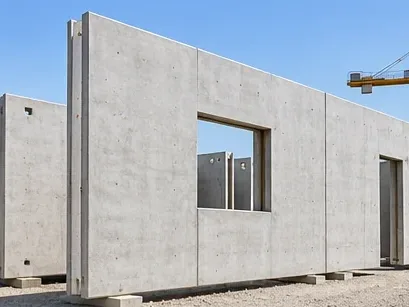
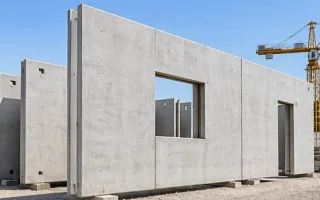
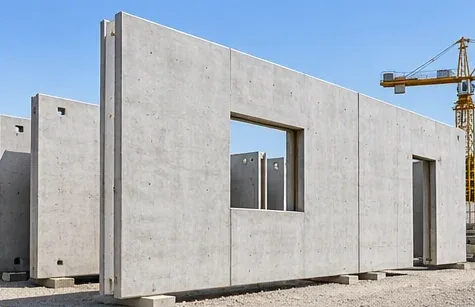
  • Illustration: concrete twin wall Already modelled by Ailoop

    FDES configurator for concrete twin walls

    Wall dimensions, thickness and concrete type of each skin, reinforcement and stiffeners, plant and distance to the construction site: the FDES follows the twin wall ordered.

    See an example
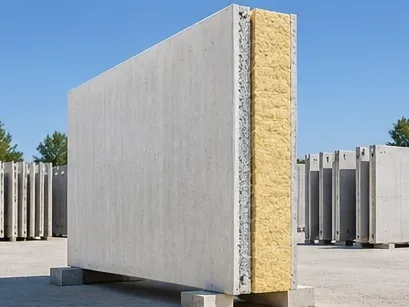
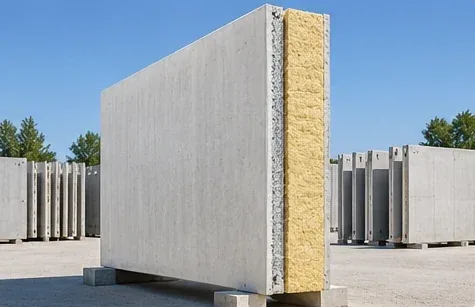
  • Illustration: insulated concrete twin wall Already modelled by Ailoop

    FDES configurator for insulated concrete twin walls

    Same logic as the twin wall, with the insulation built in between the two skins: the FDES describes the complete wall, insulation included.

    See an example
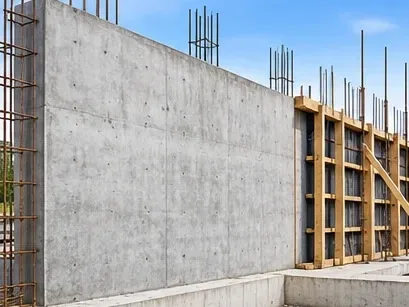
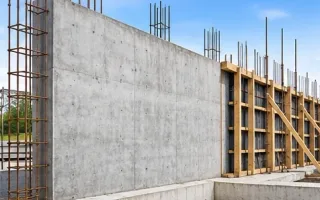
  • Illustration: wall concrete Already modelled by Ailoop

    FDES configurator for wall concrete

    Strength class, cement type, wall dimensions and reinforcement: the FDES matches the wall actually cast.

    See an example
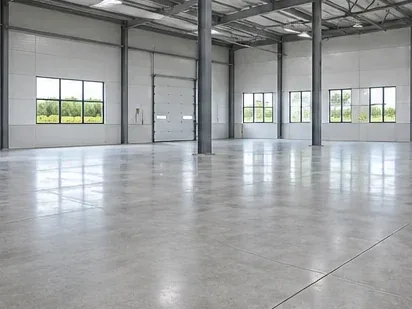
  • Illustration: floor concrete Already modelled by Ailoop

    FDES configurator for floor concrete

    Slab thickness, mix design and quantity of reinforcement define the FDES of each floor.

    See an example
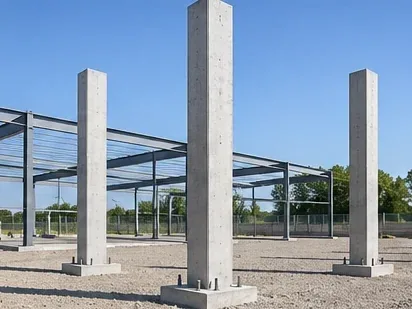
  • Illustration: column concrete Already modelled by Ailoop

    FDES configurator for column concrete

    Cross-section, height, strength class and reinforcement: the configurator calculates the FDES of the column as designed.

    See an example
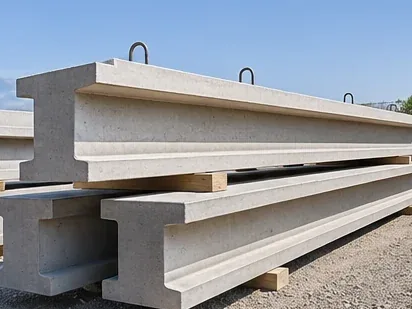
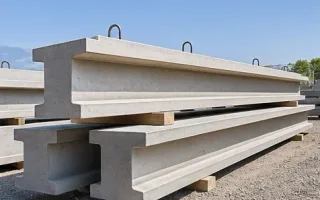
  • Illustration: beam concrete Already modelled by Ailoop

    FDES configurator for beam concrete

    Cross-section, span, mix design and reinforcement: the FDES follows the characteristics of each beam.

    See an example
  • Illustration: slab-on-grade concrete Already modelled by Ailoop

    FDES configurator for slab-on-grade concrete

    Thickness, area, mix design and reinforcement: the FDES describes the slab delivered, transport included.

    See an example
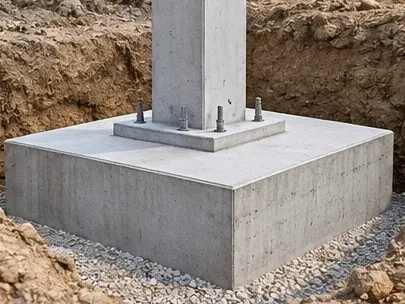
  • Illustration: foundation concrete Already modelled by Ailoop

    FDES configurator for foundation concrete

    Exposure class, strength class and volume cast: the FDES follows the foundation actually built.

    See an example
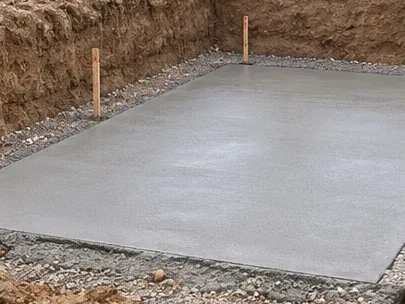
  • Illustration: blinding concrete Already modelled by Ailoop

    FDES configurator for blinding concrete

    Mix design, thickness and distance to the construction site: an FDES that is simple to produce, as close as possible to the concrete delivered.

    See an example
  • Your product family isn't on the list?

    Our experts model every product family in concrete. Let's talk about it during the free audit.

    Book my free audit

Distributor configurator

Distributor configurator: what it varies

In a distributor FDES configurator for concrete, the user chooses the family, then enters the dimensions of the element, its concrete, its accessories and the construction site: the reference FDES is adapted to that element.

Element and concrete

  • Dimensions (height, width, overall thickness)
  • Thickness of each skin
  • Concrete type and strength class
  • Cement type and additives
  • Mix ratio

Manufacturing

  • Accessories fitted during manufacturing
  • Production plant

Construction site

  • Construction site postcode
  • Distance from plant to construction site
Conceptual previewTypical flow of a distributor configurator in three steps: choose the family, enter the parameters, then download the FDES, the XML file and the Excel spreadsheet. Example values.

With an LCA expert and a digital expert

Generator configurator

Generator configurator: from mix design to FDES

A generator FDES configurator goes further: the user designs the concrete mix from its raw materials, then describes the element, how it is placed and how it is transported. The FDES is calculated for that exact mix.

Mix design

  • Exposure class and strength class
  • Cement type, additives
  • Dmax and consistency
  • Type of gravel, sand and water

Raw materials

  • Raw materials and their proportions
  • Transport of each raw material

Element and construction site

  • Dimensions of the element
  • Installation method
  • Quantity of reinforcement
  • Distance to the construction site
Conceptual previewTypical flow of a generator configurator: product, characteristics, composition, post-production, then FDES generated, verified and published on INIES. References and formulas hidden.

Distributor or generator: which configurator for your concrete products?

For concrete, both are possible. If what varies is the versions of your elements (dimensions, skins, accessories, construction site), a distributor configurator is enough. If you want to start from your mix designs and your raw materials, you need a generator configurator.

Suited to your sector

Distributor configurator

A distributor configurator is verified once, then recognised for RE2020, the French environmental regulation for new buildings: the FDES it produces can be used directly, with no obligation to submit them to INIES, in an XML format that can be imported into building calculation software. The manufacturer can also choose to submit them to INIES to broaden its published catalogue.


Suited to your sector

Generator configurator

A generator configurator is verified once; each FDES it generates then goes through a lighter verification (the verifier checks the composition rather than the calculations), and is then submitted to INIES.

The choice depends on what varies: if it is the variants of your products, a distributor configurator; if it is your inputs and processes (several sites, formulations, raw materials), a generator configurator.

Understand the difference between distributor and generator configurators

FDES configurators already in production for concrete

Ailoop has developed FDES configurators for FEHR and for a second concrete manufacturer, who wishes to remain anonymous.

Illustration: formed concrete surface, formwork joints and tie holes.

FEHRManufacturer · concrete products

FEHR’s distributor FDES configurator

The need
Provide an FDES true to each element ordered: dimensions, wall-skin composition, accessories, production plant and distance to the construction site.
What was built
A three-step web configurator: choose the product family, fill in the parameters, download the results. The production plant is chosen according to its distance from the construction site, and each FDES is exported as PDF, Excel and INIES XML.
Who did what
Design and development of the configurator and automation of the calculations: Ailoop.

The examples shown here are those our clients have allowed us to cite. Other configurators have been developed for manufacturers who wish to remain anonymous.

Methodology

How is an FDES configurator built?

For concrete, data from your plants (mix designs, accessories, distances to construction sites) is prepared from the very first step: it is what makes the FDES true to the element delivered.

  1. 01

    Define the products and variations to cover

    Identify the families, the products, the parameters that make the results vary, the users and the expected deliverables.

  2. 02

    Structure the LCA models and the data

    Environmental data, assumptions, rules and validity ranges.

  3. 03

    Develop the configurator

    Business forms, calculation engine, checks, data, rules and exports.

  4. 04

    Test and prepare for verification

    Reference cases, consistency of results, limits, traceability and documentation.

  5. 05

    Deploy and evolve

    Opening to users, new product ranges, data updates, maintenance and regulatory changes.

Find out how to build an FDES configurator

Frequently asked questions about FDES configurators for concrete products

Distributor or generator: which one should you choose for concrete products?

Both are possible for concrete. The choice depends on what varies.

If it is the versions of your elements (dimensions, skins, accessories, construction site), a distributor configurator adapts a reference FDES to each order. If you want to start from your mix designs and your raw materials, a generator configurator calculates the FDES of each mix. Understand the difference between distributor and generator configurators

How does the configurator take the plant and the distance to the construction site into account?

The user enters the postcode of the construction site. The configurator calculates the distance from your plants and can suggest the nearest one.

The distance used then goes into the calculation of transport impacts: the FDES matches the element delivered to that construction site.

Can reinforcement and accessories be included in the FDES?

Yes. Accessories fitted during manufacturing (reinforcement, stiffeners, inserts) can become configurator parameters, entered for example in kilograms per square metre.

Their impacts are then added to those of the concrete for the declared element.

Can one configurator cover both ready-mixed and precast concrete?

Yes, when the families can be brought into a consistent environmental model.

A single tool can offer separate paths for twin walls, walls, floors or blinding concrete, with parameters tailored to each family.

Do our concrete mix designs remain confidential?

Yes. In a generator configurator, your raw materials and their proportions are entered in your own space, accessible only to your teams. They do not appear in the published FDES.

Why choose Ailoop for your concrete FDES configurator?

Ailoop brings LCA expertise and software development together in one team, and has already put FDES configurators into production for concrete manufacturers.

  • Dual expertise in LCA and digital

    Our chairman, Dr Ing Naeem ADIBI, has 20 years of experience in LCA; our managing director, Guillaume SZABLEWSKI, 20 years in digital transformation. Our LCA experts and our developers work together, from environmental modelling to going live. This complementarity lets us design reliable configurators, tailored to your products and ready for your teams to use.

  • Already in production for concrete

    Our configurators are already used by concrete manufacturers, including FEHR. From blinding concrete to insulated twin walls, the most common families are already modelled.

    9
    concrete product families modelled
  • A tool designed for your teams

    We start by studying your real needs. The tool can then connect to your systems to generate an FDES with every quote, and provide a space where your teams find the FDES generated. Tailor-made, built around the way you work.

  • A configurator that evolves with your catalogue

    New families, new plants, new mix designs, regulatory changes: we keep the tool and its LCA model up to date over time, without starting from scratch.

Are your concrete products a good fit for an FDES configurator?

In a 100% free, no-obligation audit, we look with you at your product families, what varies from one element to the next and the data available. You leave with answers to your questions and our advice on next steps.

Book my free audit
  • Naeem ADIBI
  • Guillaume SZABLEWSKI
  • Marie BECCAT

Led by Naeem ADIBI, Guillaume SZABLEWSKI and Marie BECCAT.